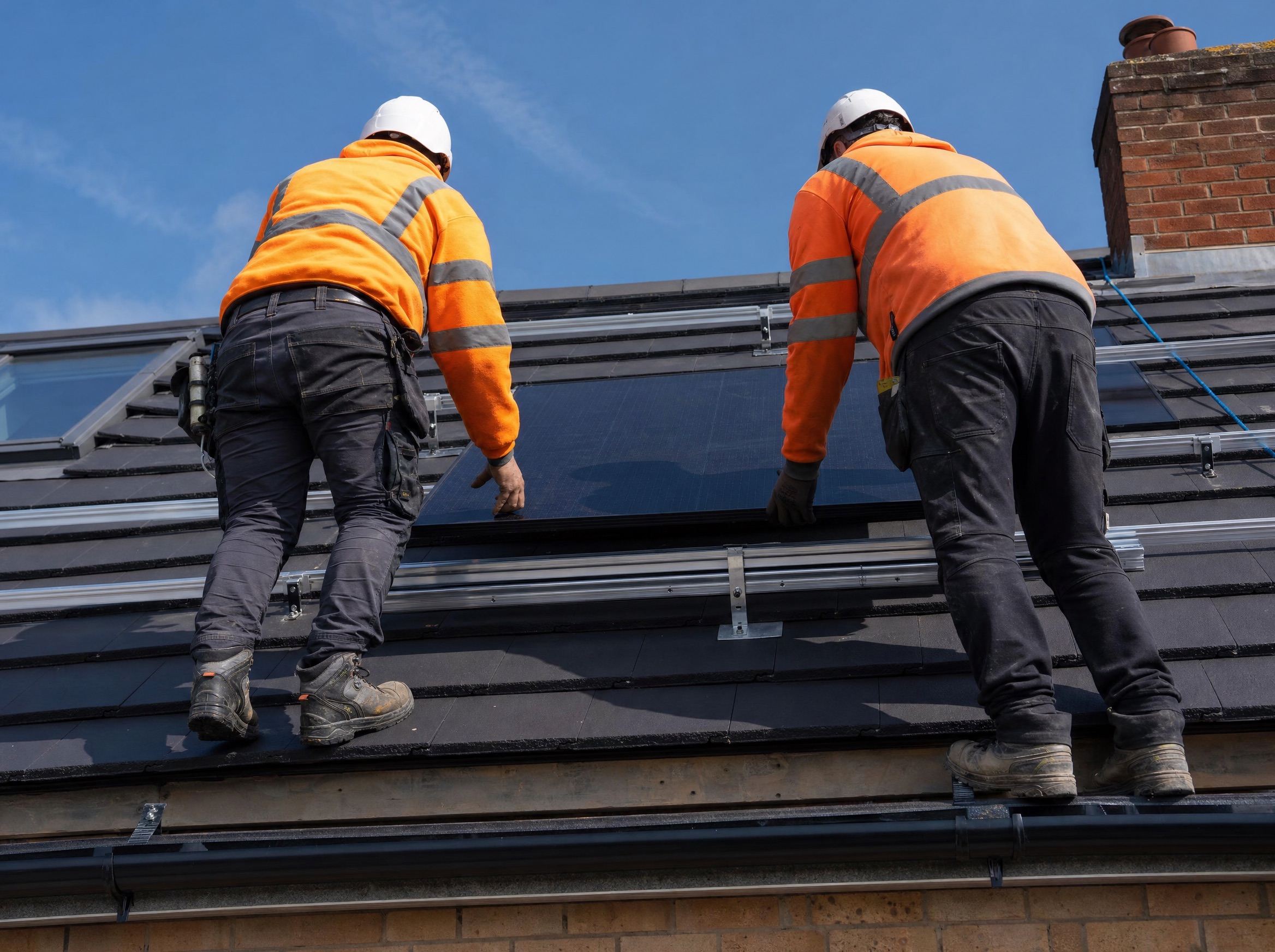
- 17 × 465W panels
- Hanchu 5kW inverter
- 9.2 kWh battery
“I wanted to support the production of clean energy and save money.”
Twelve steps from your first call to the day your roof starts paying you back, what we do, what we need from you, and when each of it happens.
Step 1 of 12
Your journey starts with a conversation
Reaching out is simple and there’s no pressure. We’re here to answer your questions and understand what you want from the system, lower bills, independence from the grid, a car to charge, or all three.
Step 2 of 12
Help us design the right system
To quote accurately we’ll ask for a few things. The more you can give us, the more precise your proposal will be.
Photos over WhatsApp are the easiest way to share your property. We’ll tell you exactly which angles and areas to capture.
Step 3 of 12
A full OpenSolar design and pricing
Using the industry-leading OpenSolar platform, our design team builds a fully personalised solar and battery proposal for your property. Every design is checked and approved by a qualified installer before it reaches you, not a salesperson.
You’ll get an interactive link to explore your design in detail, zoom, rotate, and see exactly how the panels will sit on your roof. We usually send two or three options so you can compare and choose the fit that’s right for you.
Step 4 of 12
See what our customers really think
Don’t just take our word for it. Read honest reviews from homeowners across the North West we’ve installed for, on Google and Facebook.
We’re proud of every one, and we’d love to add yours after your install.
Step 5 of 12
Three batteries, one honest answer
We don’t believe in one-size-fits-all, but we only install premium equipment. Your proposal comes with a choice of tier-one battery systems so you can pick what’s right for your home and your goals, never the cheapest box on the shelf.
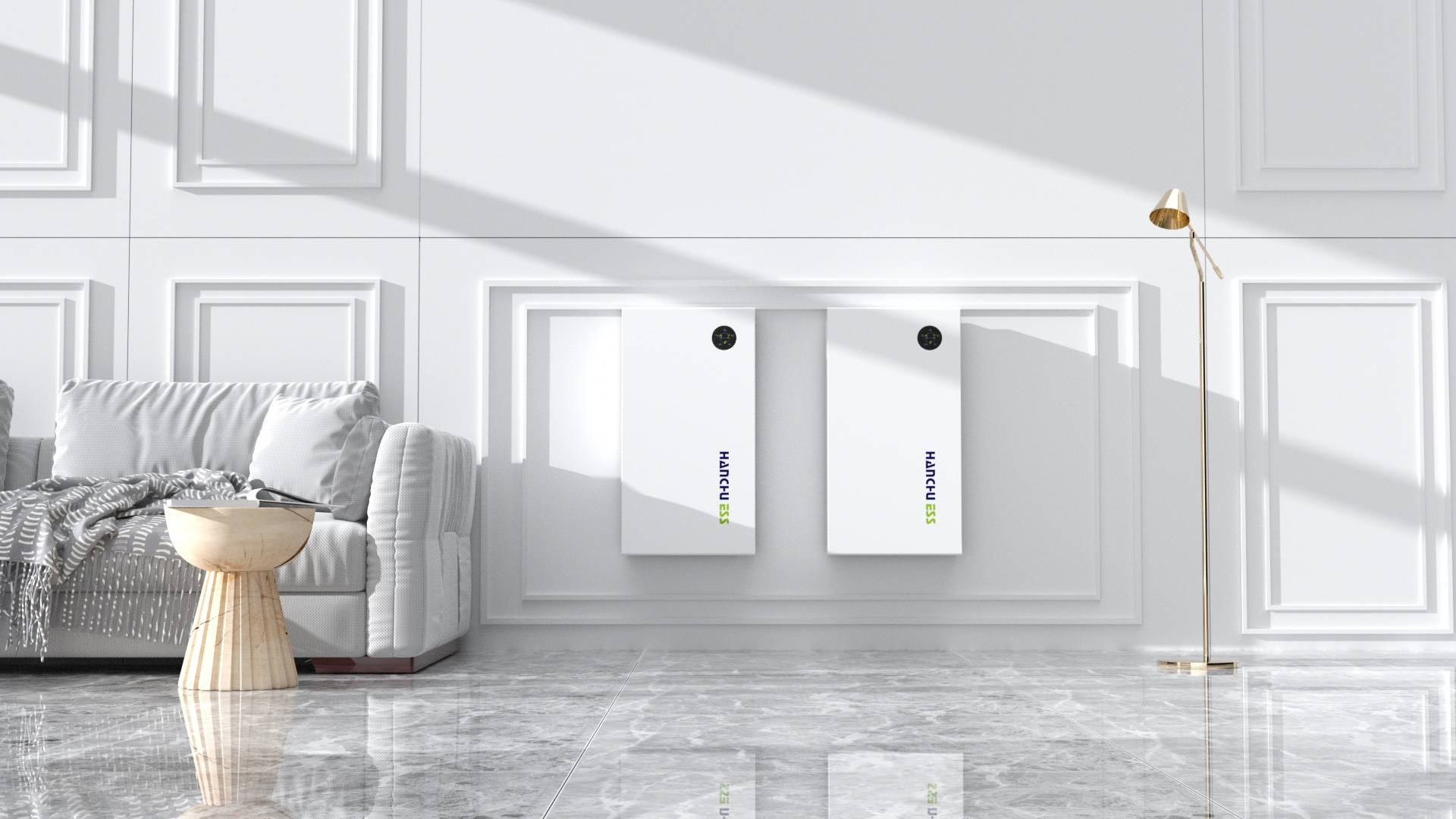
UK-first Blade battery storage
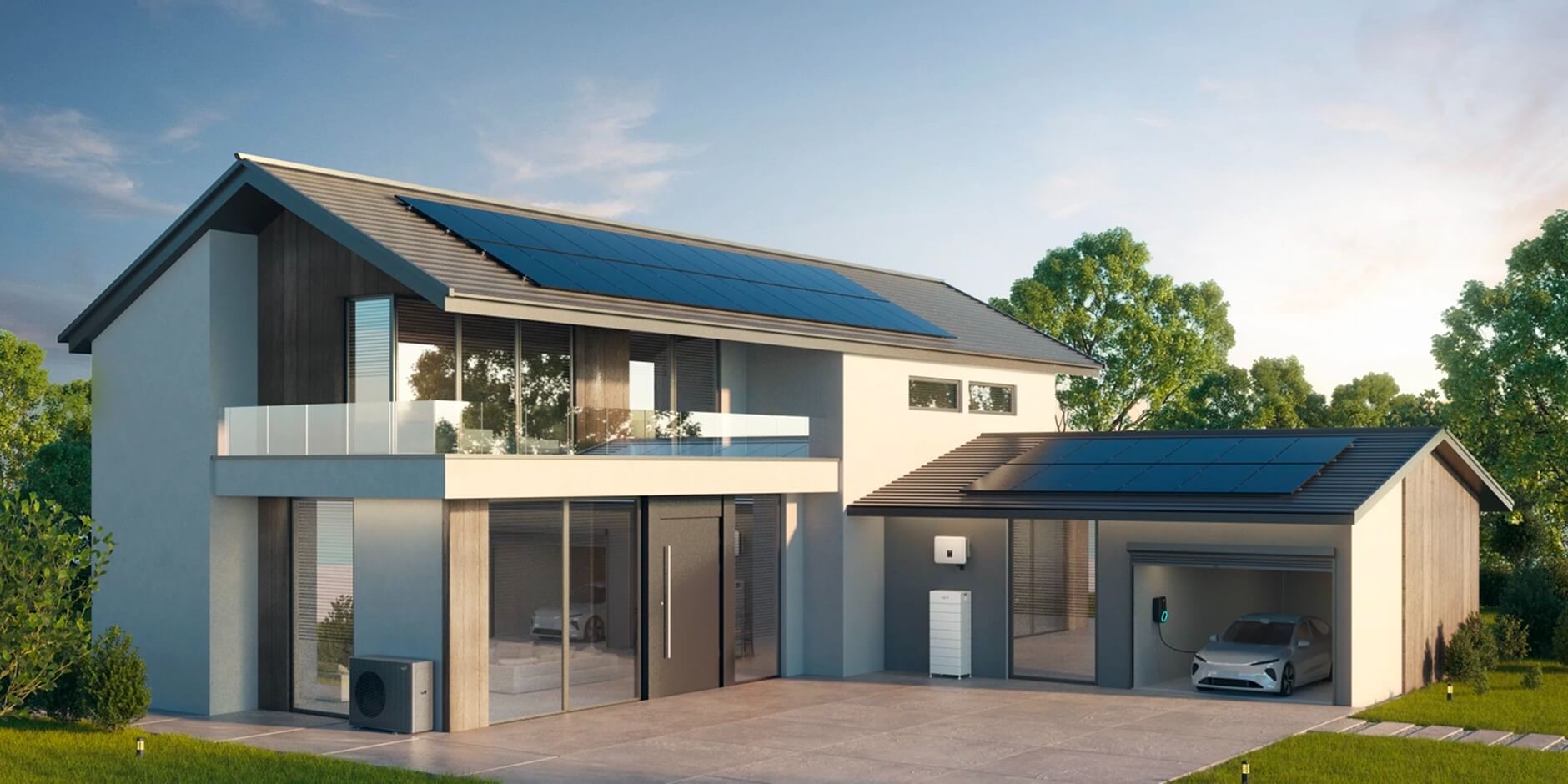
The UK's #1 home battery brand
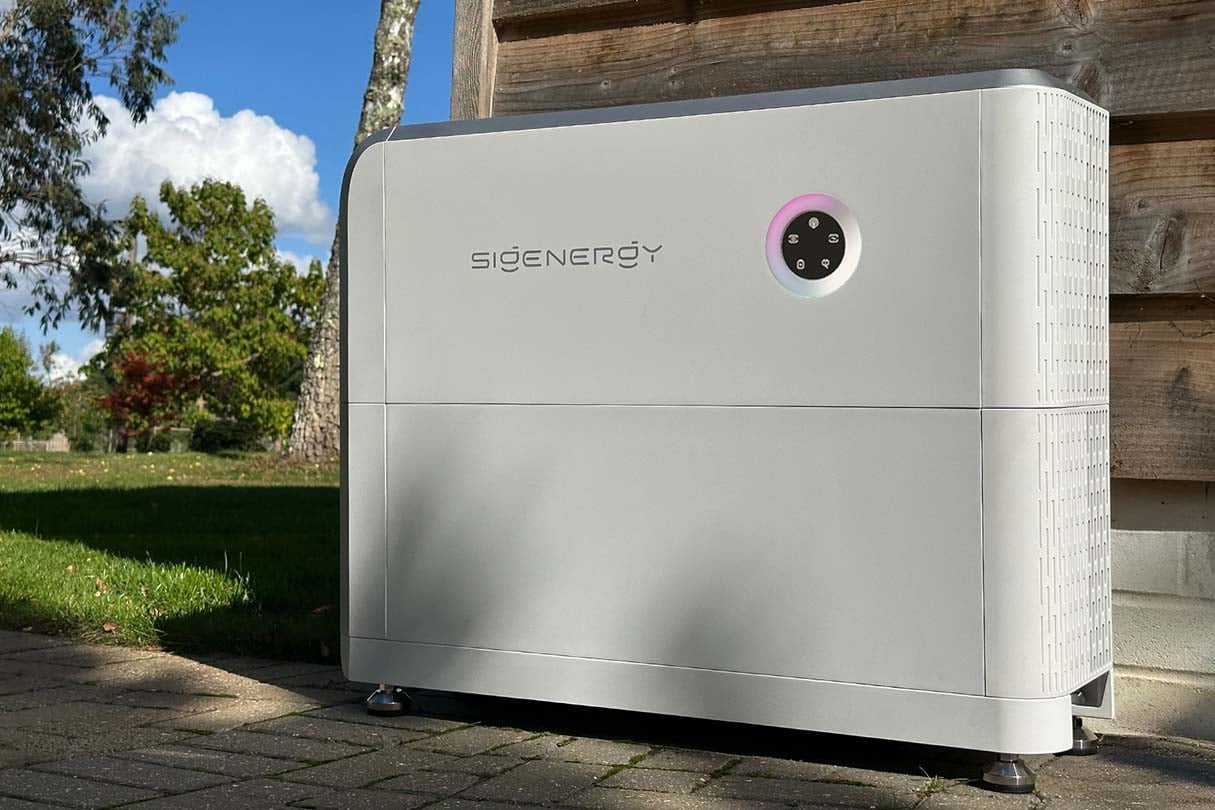
AI-powered 5-in-1 with EV charging
No sales pressure
We don’t push one manufacturer. All three are tier-one systems, the right choice depends on your roof, your usage, your budget and what matters most to you.
You're adding a battery to existing solar, it's going in a cold garage, or you want the best-value route in, heated, retrofit-native Blade cells with a 12-year warranty.
You want the UK's most widely installed battery, whole-home backup in a power cut, and the option to stack more storage later.
You have or are planning an EV and want charging, battery and AI control built into one unit, the most future-proof option we fit.
Whichever you choose, you get the same Eco2u install standard, MCS certification and our 10-year workmanship warranty. For the full comparison, see Which brand?
Step 6 of 12
Confirm and secure your installation
When you’re ready to go ahead, there are two ways to confirm your order. Both end with the same design, the same installers and the same warranty.
Most popular choice
Meet the team first
£100
On acceptance
A deposit reserves your installation date. Protected by an insurance-backed guarantee through HIES.
50%
Day of install
Payable on the morning our team arrives on site to begin work.
Balance
On completion
The remainder is due when the installation is complete.
We never ask for anything outside this schedule unless you ask for extra work, which is quoted and agreed in writing first. You also have a 14-day cooling-off period in which you can cancel without giving a reason.
Step 7 of 12
A direct line to the team
Once your order is confirmed we set up a WhatsApp group just for you, with our Installation Manager and Lead Technician in it. It becomes your direct line to the people responsible for your install, from confirmation to long after the job is done.
Your main contact for technical questions, design queries and equipment advice.
App set-up, monitoring configuration and any troubleshooting after the install.
Books your installation date, arranges scaffolding and the DNO paperwork, and keeps everything on schedule.
No chasing emails or waiting on hold, just quick, friendly help from people who know your job.
Step 8 of 12
Securing your date
With your order confirmed we find the installation date that works for you. Scheduling is flexible and fits around your commitments, not ours.
Step 9 of 12
Scaffolding, paperwork and access
Your Installation Manager takes over to make sure everything is in place before the team arrives.
Step 10 of 12
Your system comes to life
This is the exciting part. Our certified installers arrive and turn your home into a clean energy power station.
You don’t need to be home for the whole day, but we’d recommend being around for the handover at the end so we can walk you through your new system.
Step 11 of 12
Certificates and sign-off
After the install we handle the paperwork so your system is fully registered and you can be paid for the power you export.
Confirms the installation meets BS 7671 wiring regulations.
Essential for Smart Export Guarantee payments from your energy supplier.
Grid connection approval from your Distribution Network Operator.
Panels up to 30 years; batteries 10–12 years depending on the system.
User guides, monitoring app set-up and what to do in an emergency.
Our installation work is covered for ten years, and the warranty transfers to the new owner if you sell.
Where a maker needs online registration to activate full terms (Fox ESS, Hanchu), we do it for you and confirm it.
A full inspection of the system two years after install, included in your price.
Not sure how to set up your app or which tariff to pick? The Help & Guides has step-by-step videos for every system we fit.
Step 12 of 12
Help others on their solar journey
We’d love to hear how it went. Your feedback helps us keep improving, and helps other homeowners make a confident decision about going solar.
Honest reviews help other families find installers they can trust. We read every one.
Get in touch for a free, no-obligation quote. We’ll guide you through every step above.
Filmed by our team on recent jobs. You see the actual array on the actual roof, the inverter and battery on the wall, and the system that was specified for that property.
No stock footage and no actors, just what went in, why they chose Eco2u, and what it is doing for their bills, from the people living with it every day.
Get your free online quote